How To Enable Syntax Highlighting in Markdown Monster
Syntax Highlighting can make your day as a developer not only more interesting, but more productive and less tiring.

The Problem
I like to write and I like to create documentation. There are two tools I constantly turn to when writing or documenting; both of these tools rely heavily on Markdown as a means of composing the formatting text.
- I use Markdown Monster for most of my project related notes, communications and ad hoc documentation.
- For more formal and elaborate documentation Documentation Monster is nearly always my tool of choice.
Of course, I often want to include code snippets in my documents and I'm also fond of Delphi solutions for application development.
Markdown Monster and Documentation Monster support fenced code snippets as a standard part of their markup repertoire.
Unfortunately, Markdown Monster and Documentation Monster do not support syntax highlighting for Delphi or other Pascal based languages out of the box. This can be something of a disappointment since there are some significant advantages to syntax highlighting.
Advantages of Syntax Highlighting
Syntax Highlighting can make your day as a developer not only more interesting, but more productive and less tiring.
- Faster Recognition since the human brain recognizes color patterns faster than it parses text.
- Provides Visual Structure by identifying the different roles played by the tokens in the code.
- Faster Error Recognition can be achieved because unexpected color signals a syntactical error, i.e. a missing quote may cause an unexpectedly large chunk of code to appear in an inappropriate color.
- Improved Scanning since most developers don't read code line by line, but rather scan code looking for relevant information.
- Quicker Understanding when working with unfamiliar code. Things like constants easily spotted; developer names are immediately apparent.
- Easier Learning especially for new developers just learning a language. The colors implicitly identify language features.
- Reduced Cognitive Load achieved by letting the visual system do part of the work.
- More Effective Documentation that helps users seeking specific information who can use color to quickly identify relevant information.
There are a lot of compelling reasons for syntax highlighting. So how do we add Delphi syntax highlighting to Markdown Monster?
The Solution
Fortunately, Markdown Monster and Documentation Monster both use HighlightJS for syntax highlighting. The only limitation is that their default installation doesn't include Delphi (or other Pascal-based languages).
Since HighlightJS is an open source product, a quick visit to their official website reveals that you can construct your own, custom bundle of a HighlightJS script that will support Delphi. In fact, it is capable of highlighting 192 languages using 512 themes. You're not limited to Delphi. Once you understand how custom HighlightJS bundles work, you can support virtually any language you write.
You can specify which languages you want to support by creating and downloading a custom JavaScript bundle easily included in your project.
So the solution becomes:
- Visit HighlightJS.org
- Specify your choices for language highlight support
- Download the bundle
- Install the bundle in Markdown Monster and Documentation Monster
- Enjoy the benefits of highlighted syntax
Step-by-Step
Ready to enable Delphi syntax highlighting? The complete step-by-step instructions are available at the Delphi Chops Bench Notes Documentation website. The guide walks you through downloading a custom HighlightJS bundle, installing it, and getting syntax highlighting working in just a few minutes.
It's free and you don't need to sign up for anything.
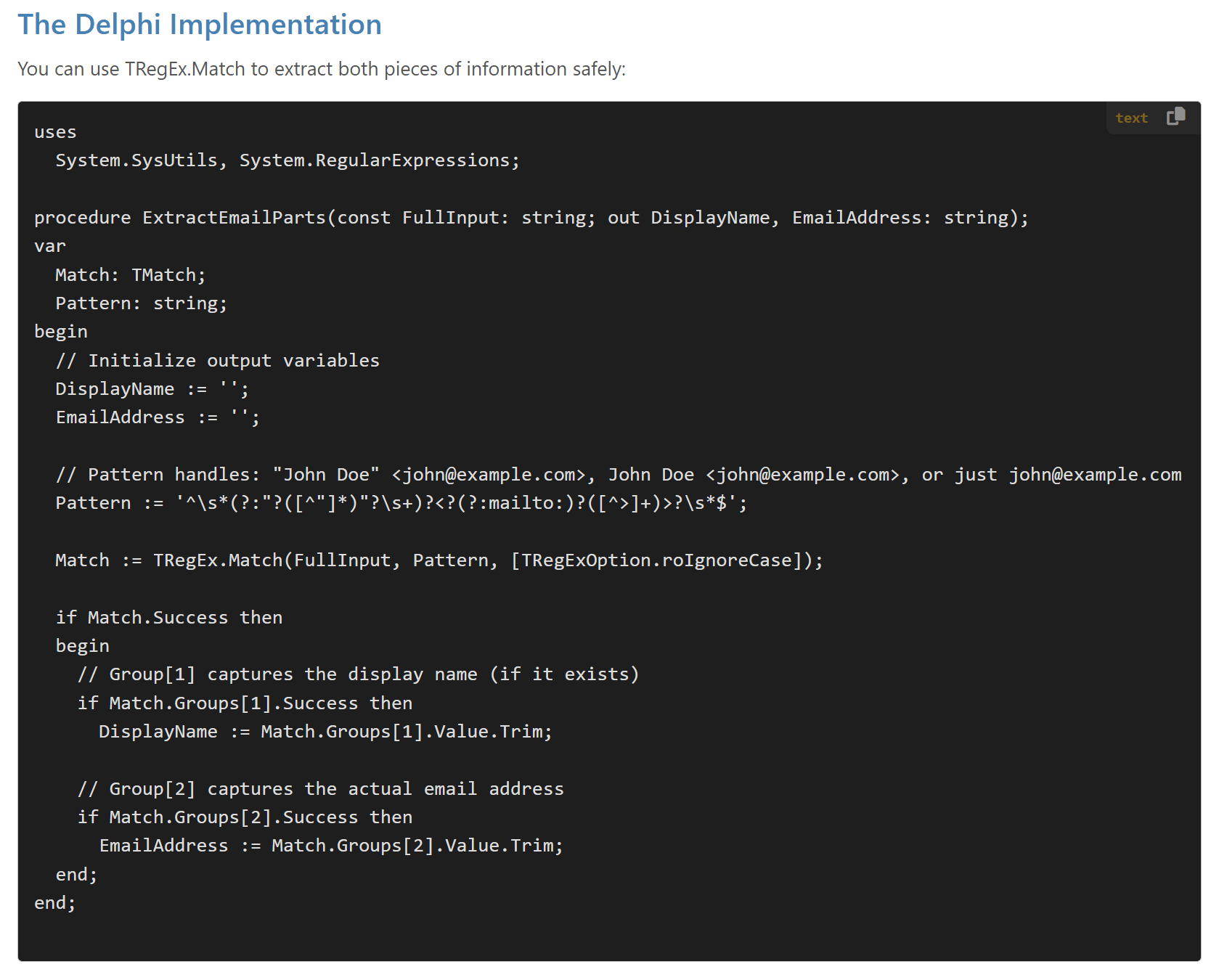
When you've successfully installed your custom HighlightJS bundle, you'll enjoy code snippets similar to this, below. You can customize the color choices as well, by adjusting the .css file that specifies color and other text attributes.
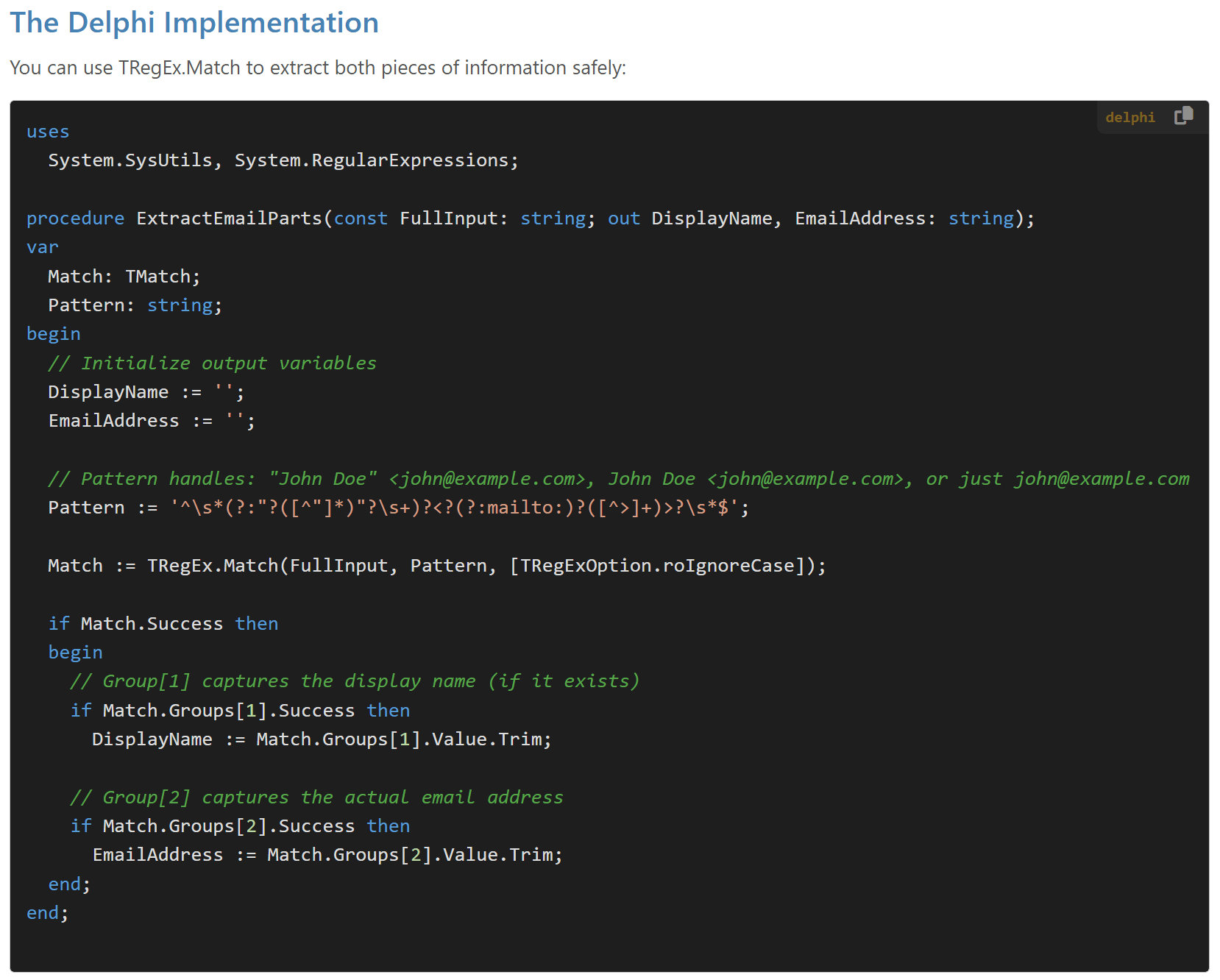
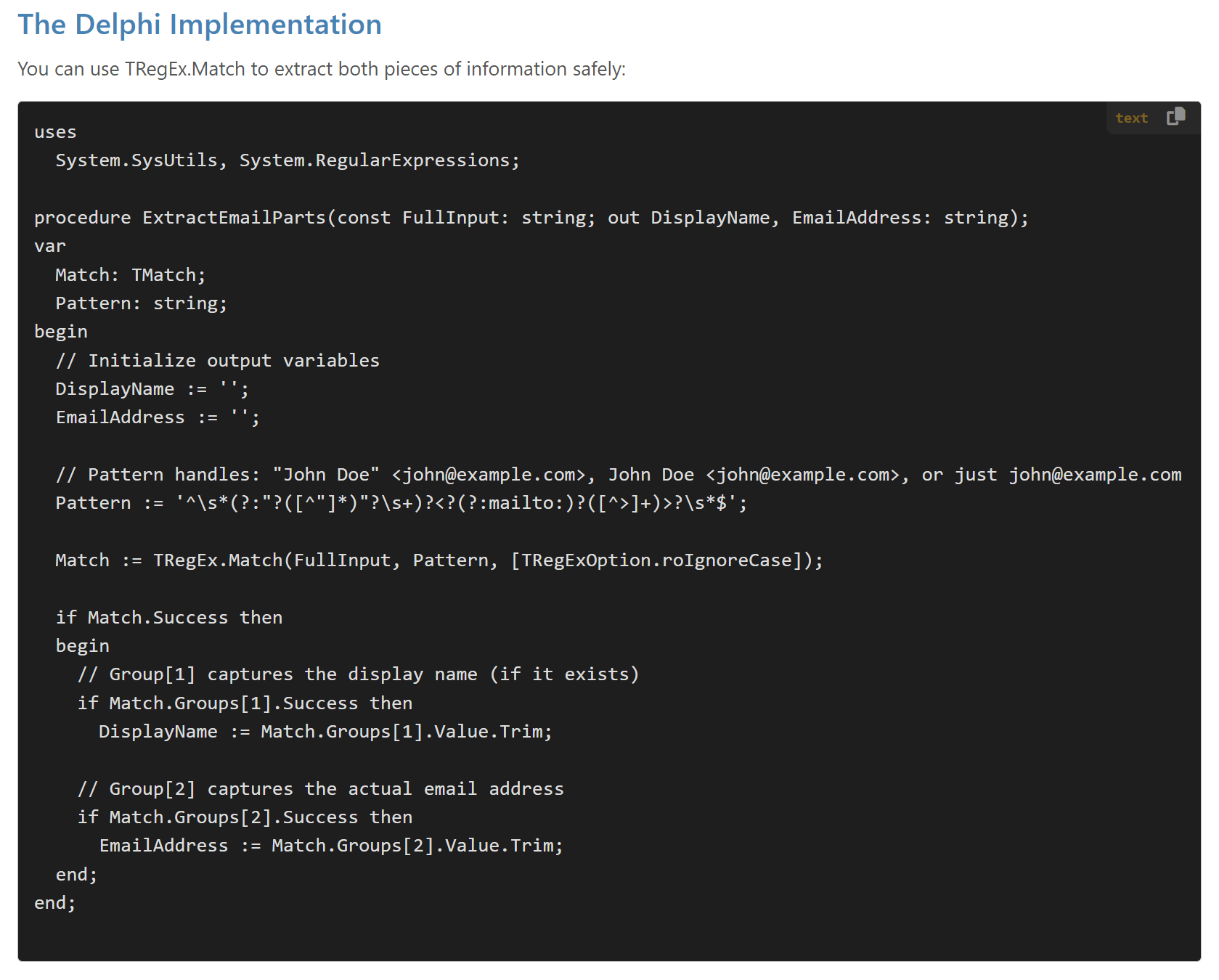
Syntax Highlighting on the Left compared with Plain Text (Click to Enlarge)